The 60-Second Print Process
We've re-engineered printing to make it as simple as scanning a menu. Here is exactly what happens.
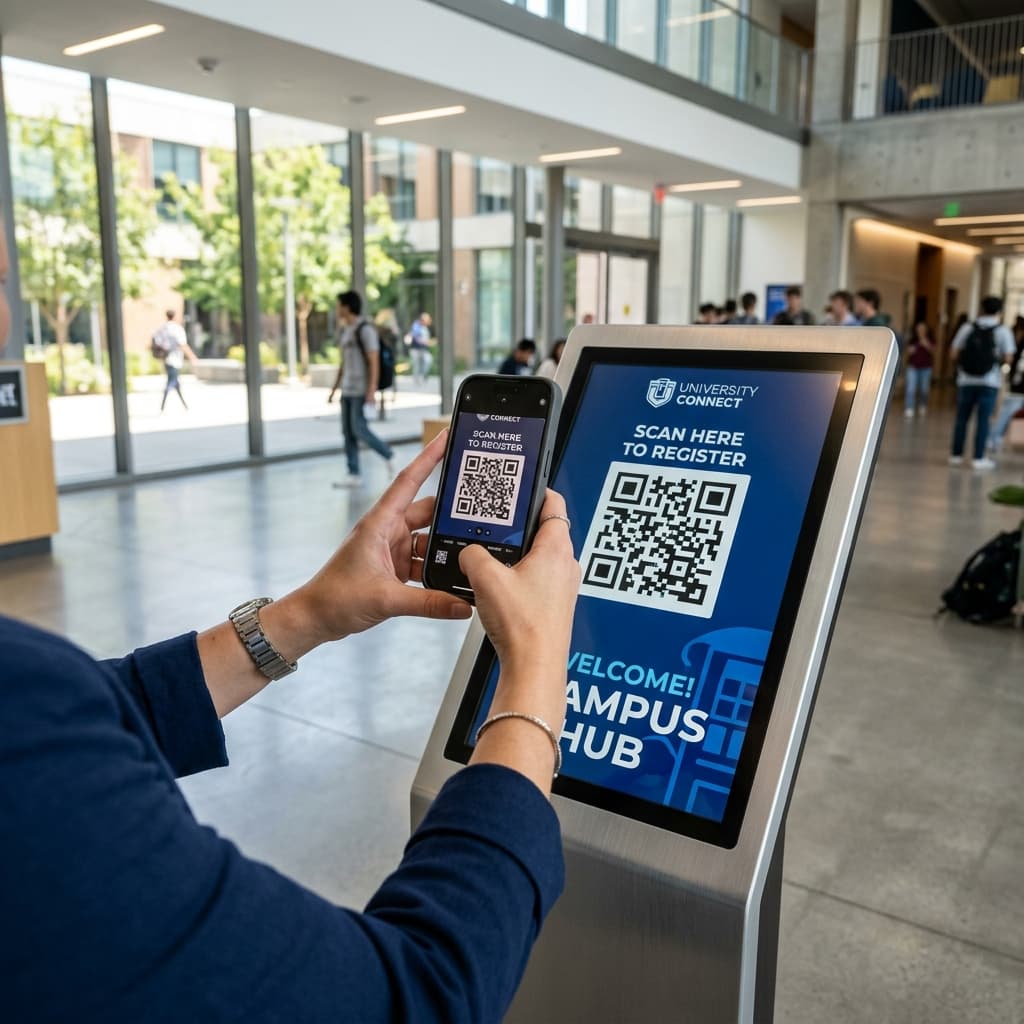
Scan the unique QR code from the kiosk screen
Every VaultPrint kiosk displays a unique QR code. Open your phone camera and point it at the code. No scanning app needed. No login. No account. No personal information required. The QR is tied to the specific kiosk you're standing at.
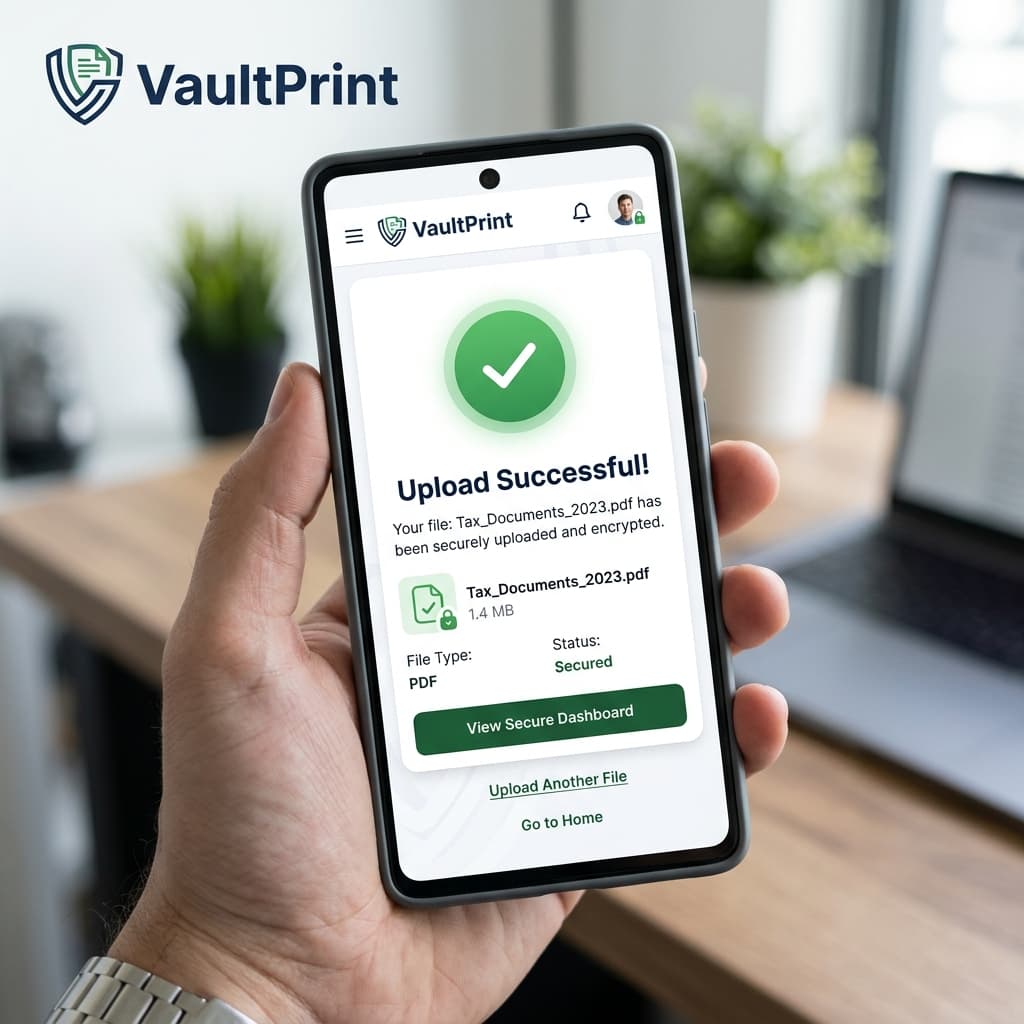
Upload your document from anywhere on your phone
Select your PDF from phone storage, Google Drive, Dropbox, or any connected app. Your file is uploaded using an encrypted connection directly to a private server — never stored on a shared device or seen by any person. Page count is extracted automatically.
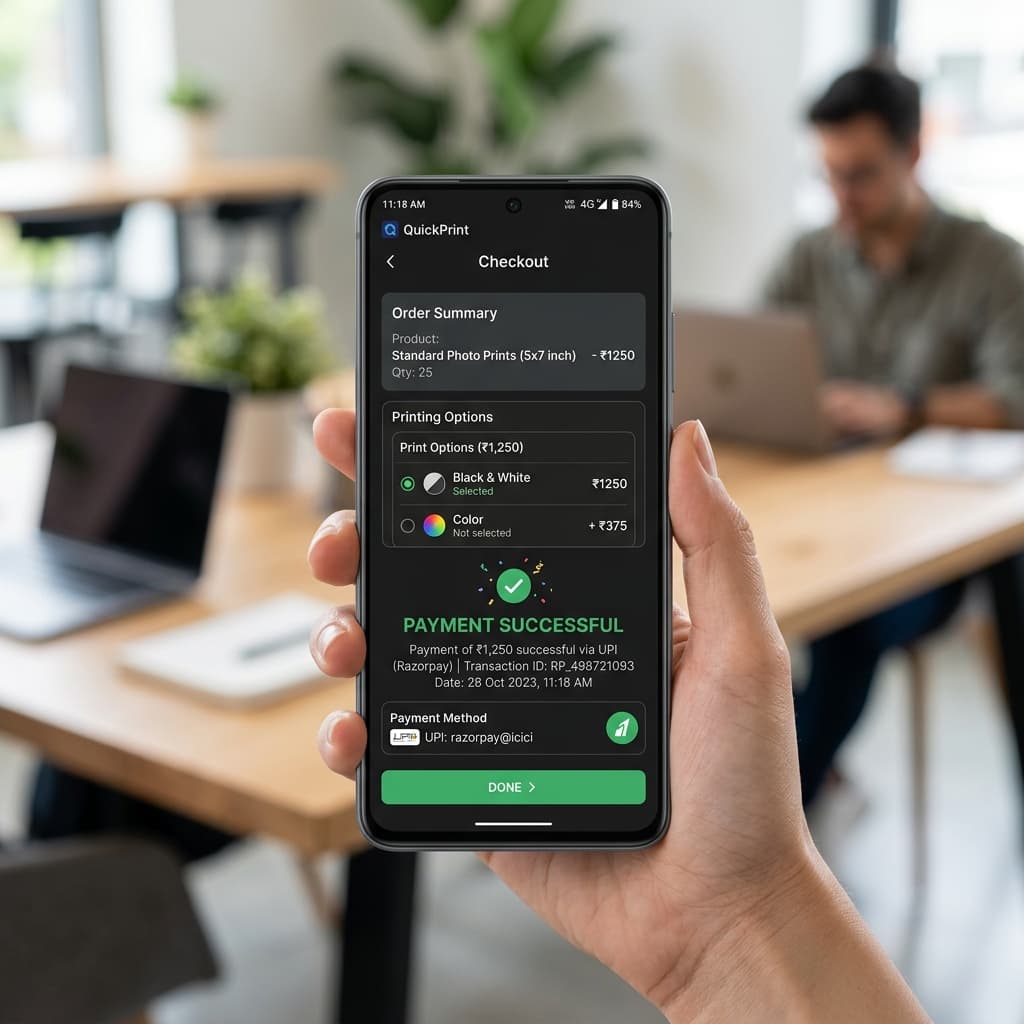
Choose your print settings and pay securely
Set your preferences: page range, B&W or colour, number of copies, single or double sided, and orientation. Price updates live as you change settings. Pay via UPI, card, or digital wallet through Razorpay. Payment is verified server-side before anything is printed.
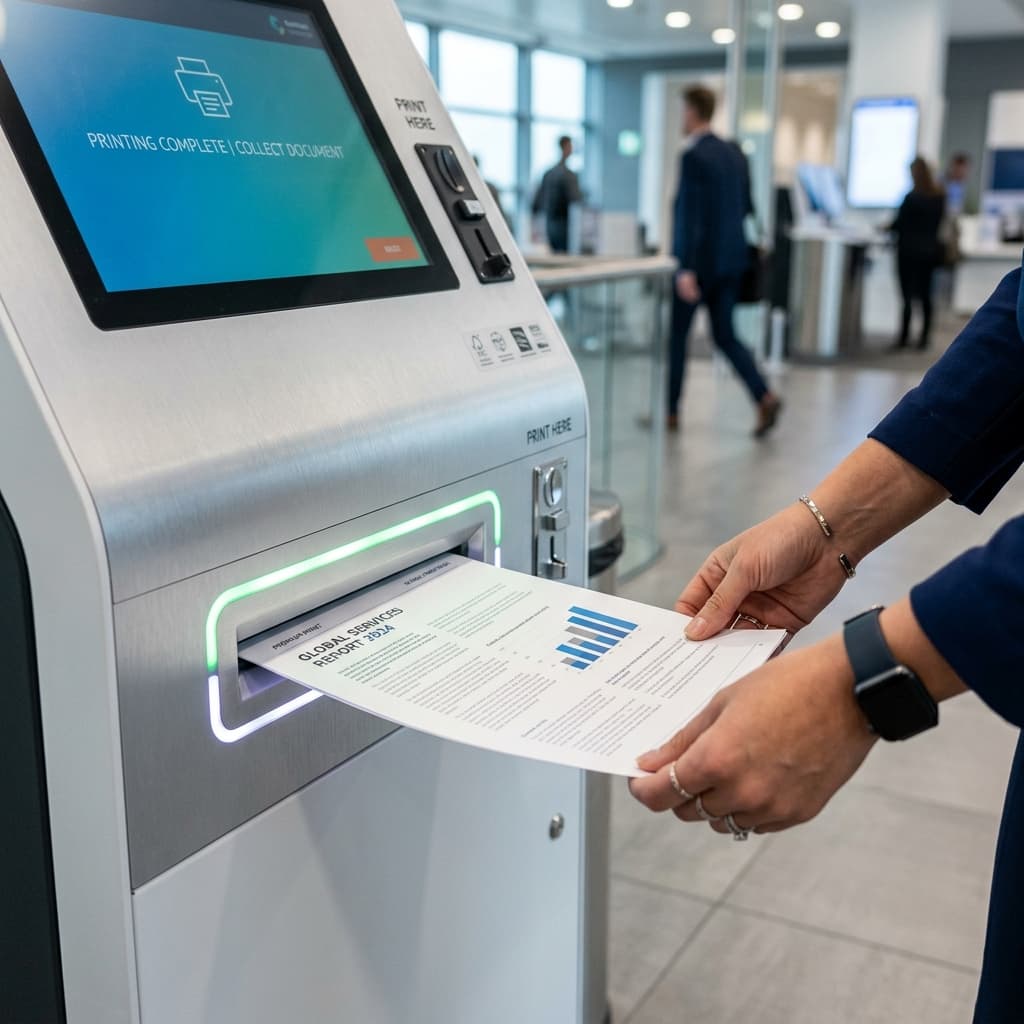
Enter your OTP at the kiosk and collect
After payment, a 6-digit one-time code appears on your phone. Walk to the kiosk and enter the code on the numpad. The kiosk verifies it, sends your document to the printer, and pages are ready within seconds. Your file is permanently deleted immediately after printing.
Your file stays private. Always.
VaultPrint was built with privacy as the first principle. Your document is encrypted in transit and stored in a private server bucket. It is accessible only via a time-limited signed link — no staff member, no shopkeeper, no third party can open it. The moment your print job completes, the file is permanently deleted.
Encrypted upload
Files travel over end-to-end encrypted HTTPS connections — the same security standards used by financial institutions.
Private storage
Uploaded files are saved in an isolated, private server bucket with no public-facing URL or external access.
Time-limited access
Kiosk hardware agents are only granted a 2-minute signed cryptographic link to access your file when you release it.
OTP release
Your physical print job only starts when you stand at the kiosk and key in the 6-digit release OTP shown on your phone.
Auto-deletion
Files are permanently destroyed from our servers the second the printer outputs the pages (max 24-hour backup cache).
Frequently Asked Questions
Have questions about security, payments, or formats? We've got you covered.